Connected Apps
Purpose: Register apps that directly integrate with the identity platform (for SSO, provisioning, or API integration), with management for client credentials and provisioning.
Register an App (OIDC example)
- Step 1: Create app entry and set application name and logo URI.
- Step 2: Add allowed redirect URIs exactly as used by the app (match protocol, host, and path).
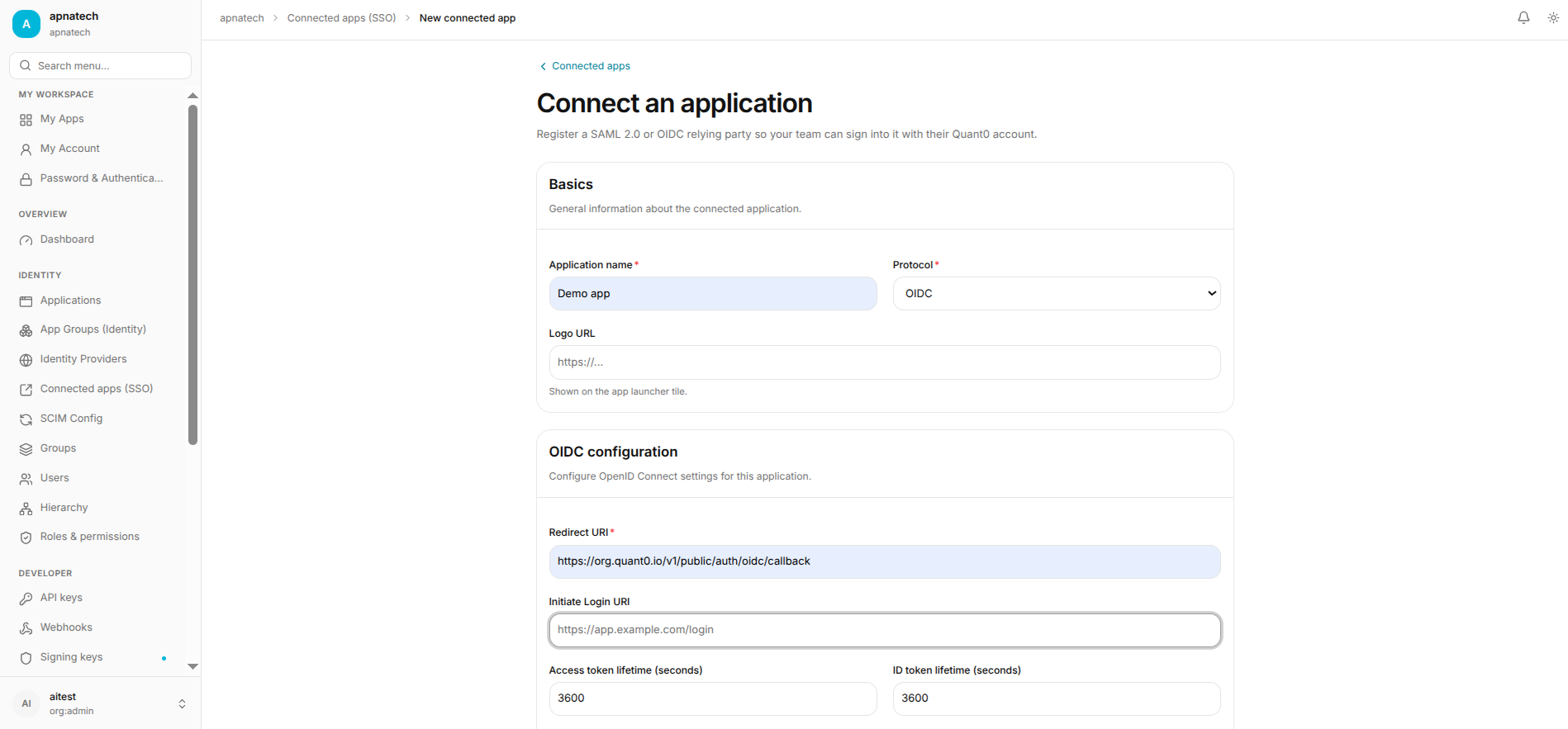
- Step 3: Select scopes and any consent prompts required (see Purposes).
- Step 4: Safely distribute client secret to application owner by secure channel.
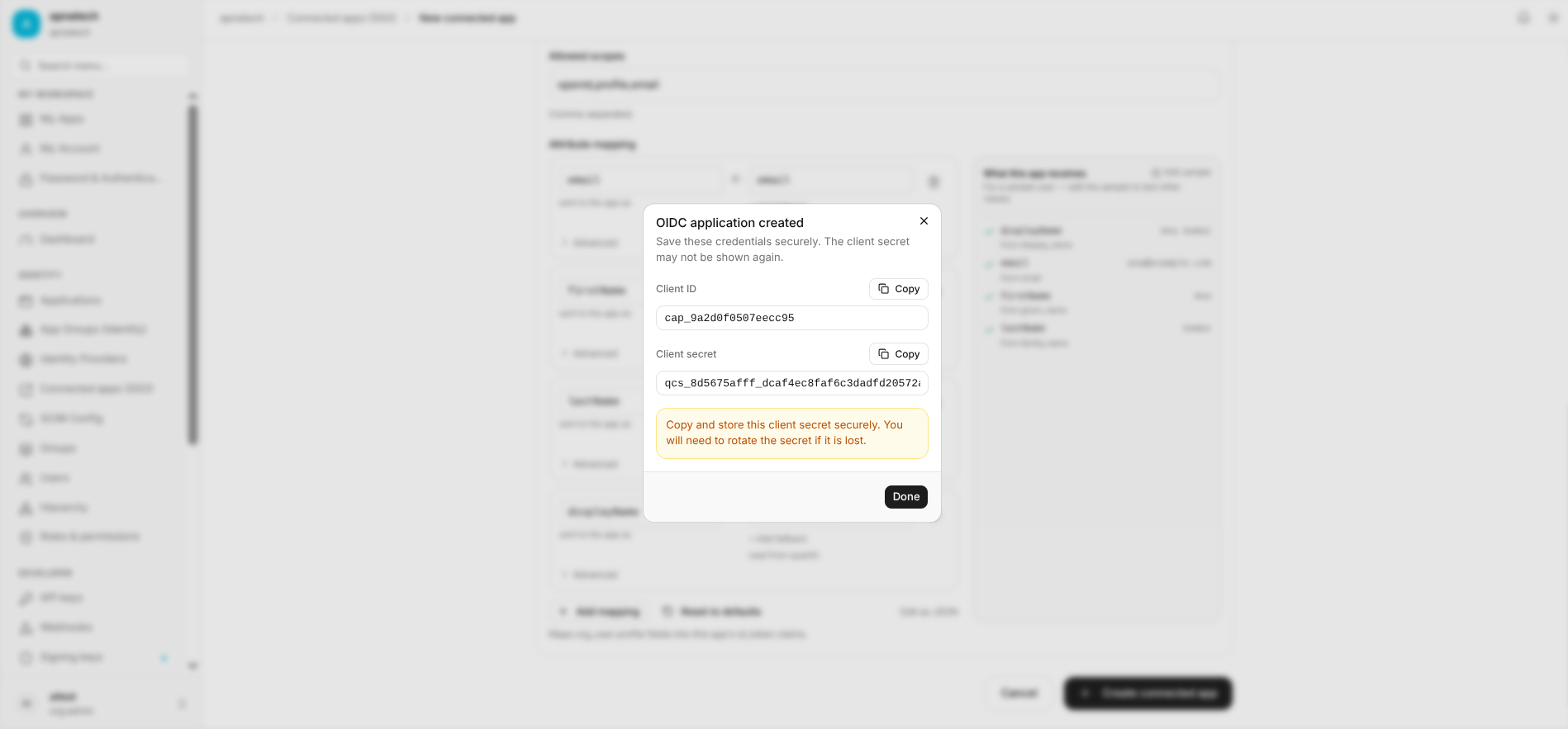
Rotate Client Secret
- Step 1: Rotate secret in the portal which generates a new secret.
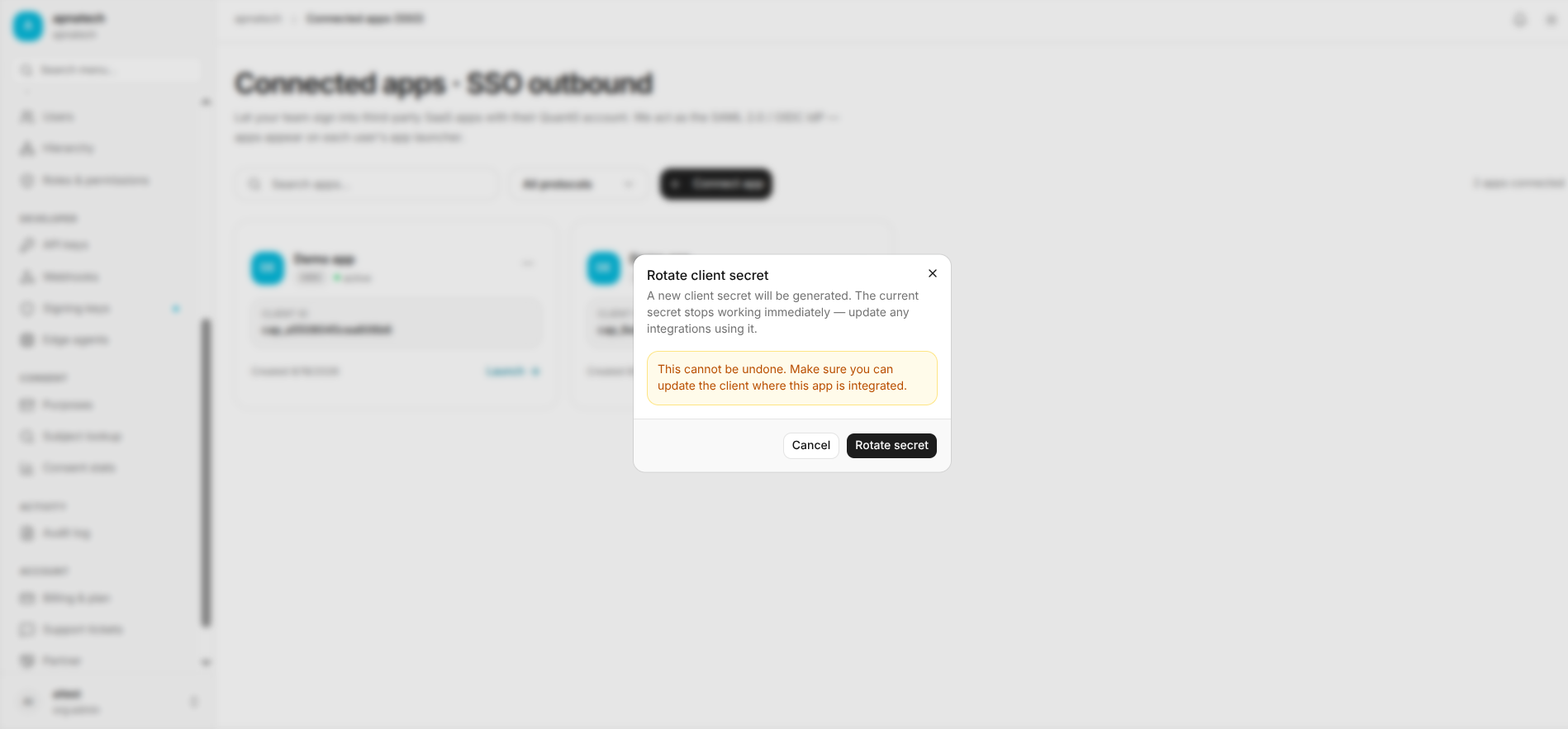
- Step 2: Update the application configuration to use the new secret.
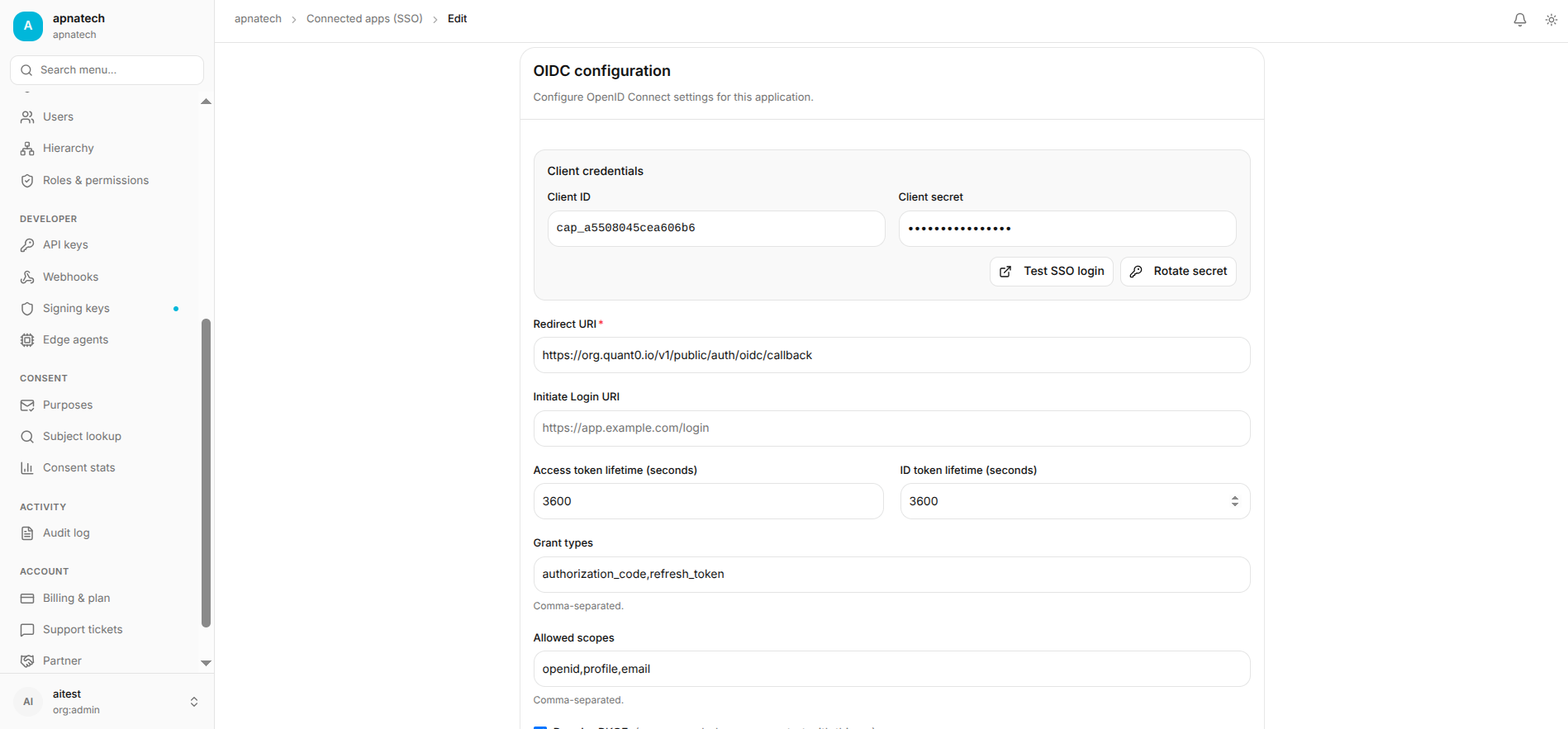
- Step 3: Validate operations and only then revoke the older secret.
Use Resync / SCIM Resync
- Step 1: Trigger a resync to reconcile provisioning and membership between portal and the connected app.
- Step 2: Inspect resync results and mapping errors. If the app uses provisioning, review SCIM Configuration before making changes.
Security & Best Practices
- Keep redirect URIs exact; avoid wildcards unless strictly necessary and documented.
- Use unique client credentials per environment (dev/staging/prod) and rotate regularly.
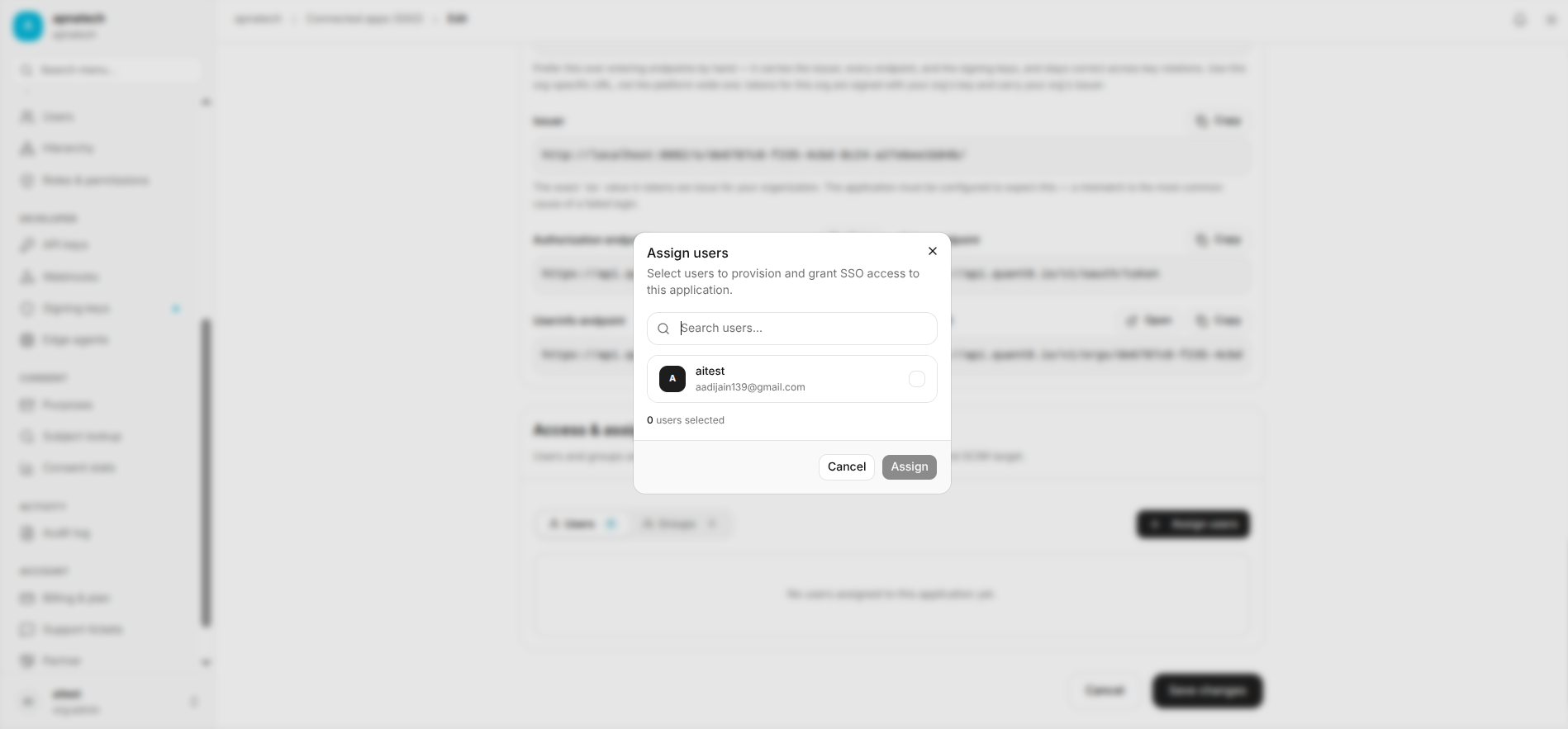
- When enabling provisioning, test with a single user (see Users).
Troubleshooting
- OIDC token invalid at app: confirm client secret, redirect URIs, and that token audience matches app expectations.
- SCIM provisioning failure: check mapping, endpoint authentication, and TLS validation.